
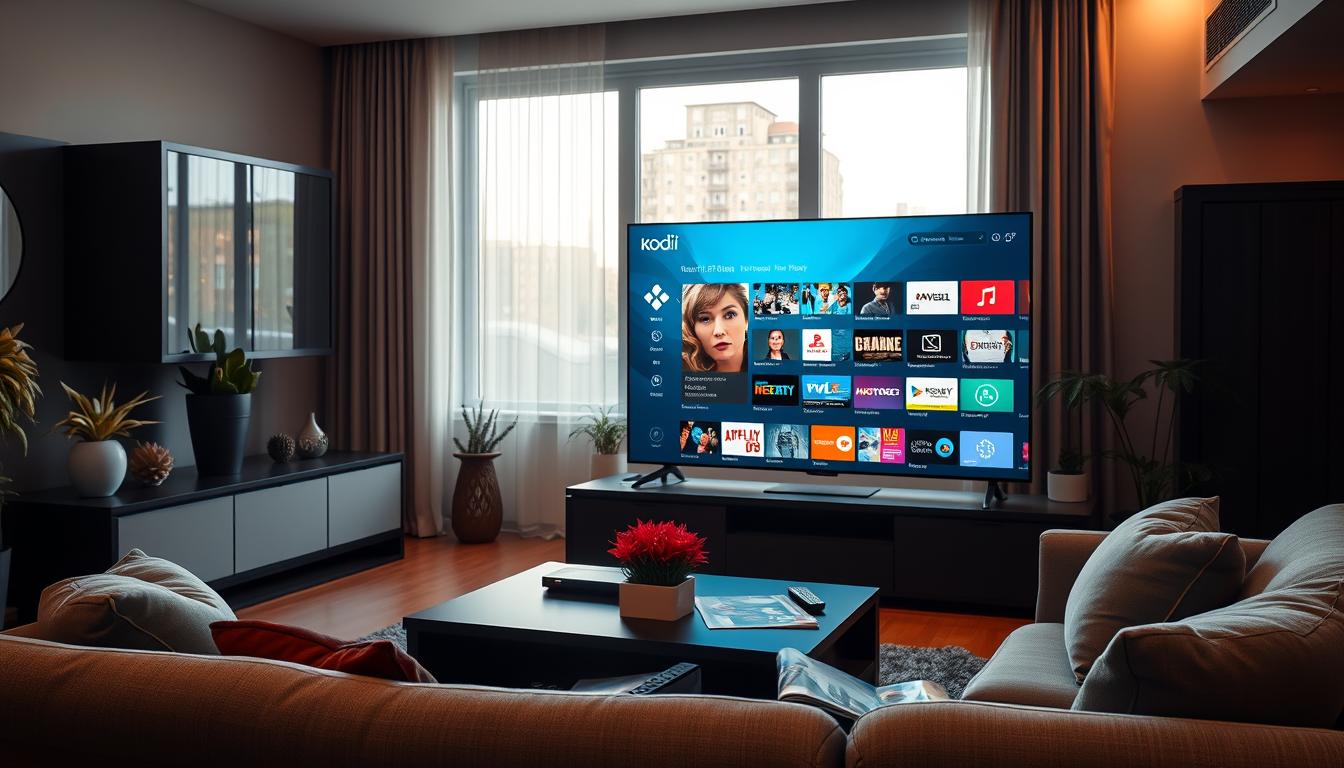
Welcome to our guide on setting up Kodi Greek TV for IPTV users. This detailed tutorial is for anyone wanting to watch their favorite Greek channels easily on Kodi. IPTV setup is getting more popular, offering live shows, movies, and video-on-demand content all in one spot. With Kodi PVR, you can improve your viewing experience and stay connected to your roots, whether in Greece or abroad.
Key Takeaways
- Learn how to effectively set up Kodi for accessing Greek channels.
- Understand the advantages of using IPTV for Greek content.
- Discover the best practices for Kodi PVR configuration.
- Gain insights into optimizing your network for smooth streaming.
- Explore recommended add-ons specifically for Greek IPTV users.
Introduction to IPTV and Kodi Greek TV
IPTV changes how we watch TV by sending shows over the internet. It offers more channels and on-demand content without old-school subscriptions. Kodi, a flexible media center, makes IPTV even better.
Kodi Greek TV lets users easily find their favorite Greek shows. This mix of IPTV and Kodi’s customization lets people make their own TV experience. Many love it for being affordable and adaptable.

Understanding IPTV Basics
IPTV, or Internet Protocol Television, is changing how we watch TV. It sends TV shows over the Internet, unlike old satellite and cable ways. IPTV lets users find many shows, live or on-demand, all in one place.
What is IPTV?
IPTV is about getting TV shows through the Internet. It streams shows live or lets you watch them later. It uses special formats like M3U and XMLTV for channel lists and guides. With a good internet connection, you can watch what you want, when you want.
Advantages of Using IPTV for Greek Channels
Using IPTV for Greek channels on Kodi has big benefits. You can watch famous networks like ERT and ANT1. This means you get the latest news, sports, and shows from Greece. It’s also cheaper than cable, and you can watch on many devices. This makes watching TV more flexible and fun for everyone.

Preparing Your Network for Kodi Greek TV
Before you start with Kodi Greek TV, make sure your network is ready. A well-prepared network is key for a smooth streaming experience. It affects how well you enjoy your favorite shows.
A stable connection is crucial. It makes watching your shows better. You need to pick the right connection type and check your internet speed.
Internet Speed Requirements
Internet speed is very important for Kodi Greek TV. You need the right speed for the best streaming quality. Here are some recommended speeds:
| Streaming Quality | Minimum Internet Speed |
|---|---|
| SD (Standard Definition) | 5-8 Mbps |
| HD (High Definition) | 8 Mbps |
| UHD (Ultra High Definition) | 25-40 Mbps |
These speeds help keep your streaming smooth. You won’t have to deal with buffering.
Wired vs. Wireless Connections
Wired or wireless connections can affect your Kodi Greek TV streaming. Wired connections, like Ethernet cables, are more reliable. They’re great for heavy streaming.
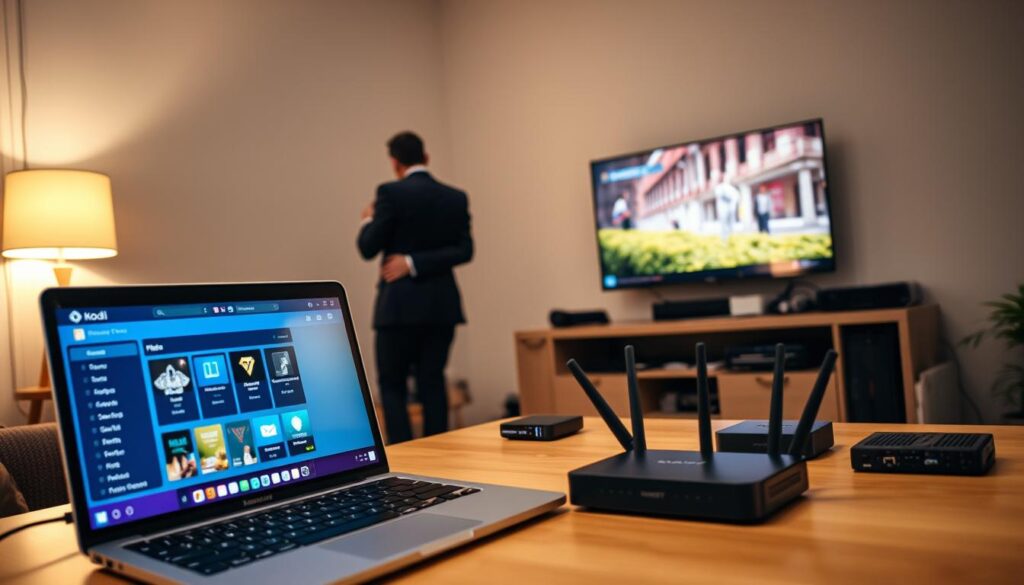
Wireless options can also work well if set up right. Make sure your router is in a good spot and uses the latest technology. The right choice is important for a good streaming experience.
Choosing the Right IPTV Providers
Choosing the right IPTV providers is key to a great viewing experience. For those wanting Greek IPTV services, look for providers with lots of channels, including Greek ones. HD and UHD streaming are important for top-notch picture quality.
Providers with a wide Video on Demand (VOD) library are a plus. They offer more than just live TV, giving you more choices. Also, a good Electronic Program Guide (EPG) makes finding shows easy.
Try out trial options when choosing IPTV. These trials let you check if the service works well with your setup. Below is a table comparing some popular providers to help you decide:
| Provider Name | Channel Variety | HD/UHD Streaming | VOD Library | Trial Available |
|---|---|---|---|---|
| Provider A | 150+ | Yes | 1000+ Titles | Yes |
| Provider B | 200+ | No | 500+ Titles | No |
| Provider C | 100+ | Yes | 800+ Titles | Yes |
| Provider D | 250+ | Yes | 1500+ Titles | Yes |
By looking at these options and what you like, picking the right IPTV providers is easy. Enjoying Greek IPTV services that fit your needs is just a smart choice away.
Kodi Greek TV: Setting Up the PVR IPTV Simple Client
Setting up the PVR IPTV Simple Client is key for those who want to watch Greek channels on Kodi. You start by installing an add-on that works well with Kodi. This makes watching shows and channels easy and fun.
Installing the Add-On
First, go to Kodi’s main menu and find the add-ons section. Choose to install from a repository and look for the PVR IPTV Simple Client. Click install when you find it. Once installed, the add-on will be ready to use in Kodi. This is the first step to a great Kodi experience with Greek TV.
Configuring Playlists and Guides
Now, add the M3U playlist URL and set up the XMLTV guide. These steps make watching TV better. Put the M3U URL in the PVR IPTV Simple Client settings. Then, add your guide URL to the XMLTV settings. This helps you manage channels well and catch your favorite shows.
By setting up your PVR with these steps, you get a full IPTV experience. Installing Kodi add-ons and setting up playlists means you can enjoy great entertainment at home.
Using M3U and XMLTV for Channel Management
Managing channels well can make watching TV on Kodi Greek TV better. Using M3U channels with XMLTV guides makes setting up easy. Knowing how they work together is key for good playlist management.
Understanding M3U and XMLTV Formats
M3U files are important for listing channels. They help users make playlists for Kodi, making favorite Greek channels easy to find. XMLTV guides, meanwhile, give program details. This lets viewers know what’s on and plan recordings.
Best Practices for Organizing Playlists
Here are some tips for using M3U channels and XMLTV guides well:
- Organize Playlists by Genre: Sort channels by type, like sports, news, and entertainment. This makes finding shows easier.
- Utilize Catch-Up Features: Use on-demand and catch-up services from your IPTV provider. This way, you won’t miss any shows.
- Regularly Update Playlists: Keep your playlists up-to-date. This ensures you have the latest content and channels.
Optimizing Kodi for Greek IPTV Streaming
Improving your Kodi experience means tweaking your network settings, especially your router. The right setup can make streaming Greek IPTV channels smoother and more fun. This part will show you how to optimize Kodi and fix buffering problems.
Router Configuration Tips
To get the best out of Kodi, tweak your router settings. Here are some tips:
- Turn on Quality of Service (QoS) to make sure Kodi gets enough bandwidth.
- Change your DNS settings to faster ones to cut down on buffering and boost speed.
- Choose a less busy Wi-Fi channel to avoid interference from other devices and get better connection.
Reducing Buffering Issues
Fixing buffering is key for uninterrupted watching. Here are ways to reduce buffering with Kodi:
- Make sure your internet connection is strong and fast enough for streaming Greek IPTV.
- Try connecting your device directly to the router with Ethernet for a more stable link.
- Close any apps or devices that use up bandwidth so Kodi can work better.
Advanced Features of Kodi for IPTV Users
Kodi has many advanced features for IPTV users. It lets you watch live TV in real-time. This is great for fans of Greek TV who want to keep up with their favorite shows.
Catch-up TV is another cool feature. It lets you watch shows you missed later. This makes it easy to catch up on your favorite programs.
Navigation is also improved with advanced programming guides. These guides make it easy to see what’s on. You can quickly find what you want to watch without interruptions.
These features make the IPTV experience better. As you explore Kodi, you’ll find even more ways to enjoy your favorite shows.
Recommended Add-Ons for Kodi Greek TV
Looking to boost your Kodi Greek TV experience? Certain Kodi add-ons can make a big difference. They help manage channels better and make streaming smoother. The IPTV Manager and IPTV Recorder are top picks for these features.
IPTV Manager
The IPTV Manager is key for organizing your IPTV playlists. Its easy-to-use interface lets you manage channels with ease. You can sort channels, remove duplicates, and even make favorites lists for quick access.
Installing the IPTV Manager is easy. Just search for it in the add-on repository and follow the prompts.
IPTV Recorder for Live TV
The IPTV Recorder is perfect for catching live TV shows. It lets you schedule recordings so you never miss a favorite event. Like the IPTV Manager, it’s simple to install through Kodi.
After setting it up, you can choose recording times and channels. This adds flexibility to your viewing schedule.
Maintaining Your Kodi Greek TV Setup
To keep Kodi Greek TV streaming smoothly, regular upkeep is key. Updates and quick fixes are crucial for a seamless experience. This guide will show you how to keep your Kodi setup in top shape.
Regular Updates and Support
Updates are essential for Kodi. They boost performance and add new features. It’s important to regularly check for updates.
Setting Kodi to update automatically saves time. Online communities offer great support for any problems you might face.
Troubleshooting Common Issues
Even with good care, issues can pop up. Problems like buffering or streaming errors are common. Here are some easy fixes:
- Restart Kodi to refresh the application.
- Check your internet connection for stability.
- Clear the cache to enhance performance.
- Reinstall problematic add-ons to fix potential bugs.
By following these tips, you can enjoy a better Kodi Greek TV experience. Keeping up with maintenance tips is a big help in your IPTV journey.
Conclusion
The Kodi Greek TV setup is a great way to stream Greek content with IPTV. It brings a wide range of channels and shows right to your living room. By following the setup process and using recommended add-ons, you can make your viewing experience smooth and organized.
IPTV is also flexible and affordable, making it a good choice over traditional cable services. With the right tools and settings, you can easily watch your favorite Greek shows. This shows how Kodi lets users control their entertainment, ensuring they can enjoy their favorite content without any problems.
Starting your Kodi Greek TV journey means diving into the world of IPTV. It’s a chance to connect with your cultural roots and enjoy a wide variety of programming. With the right setup, your streaming experience will be not only enjoyable but also tailored to your tastes in Greece.