
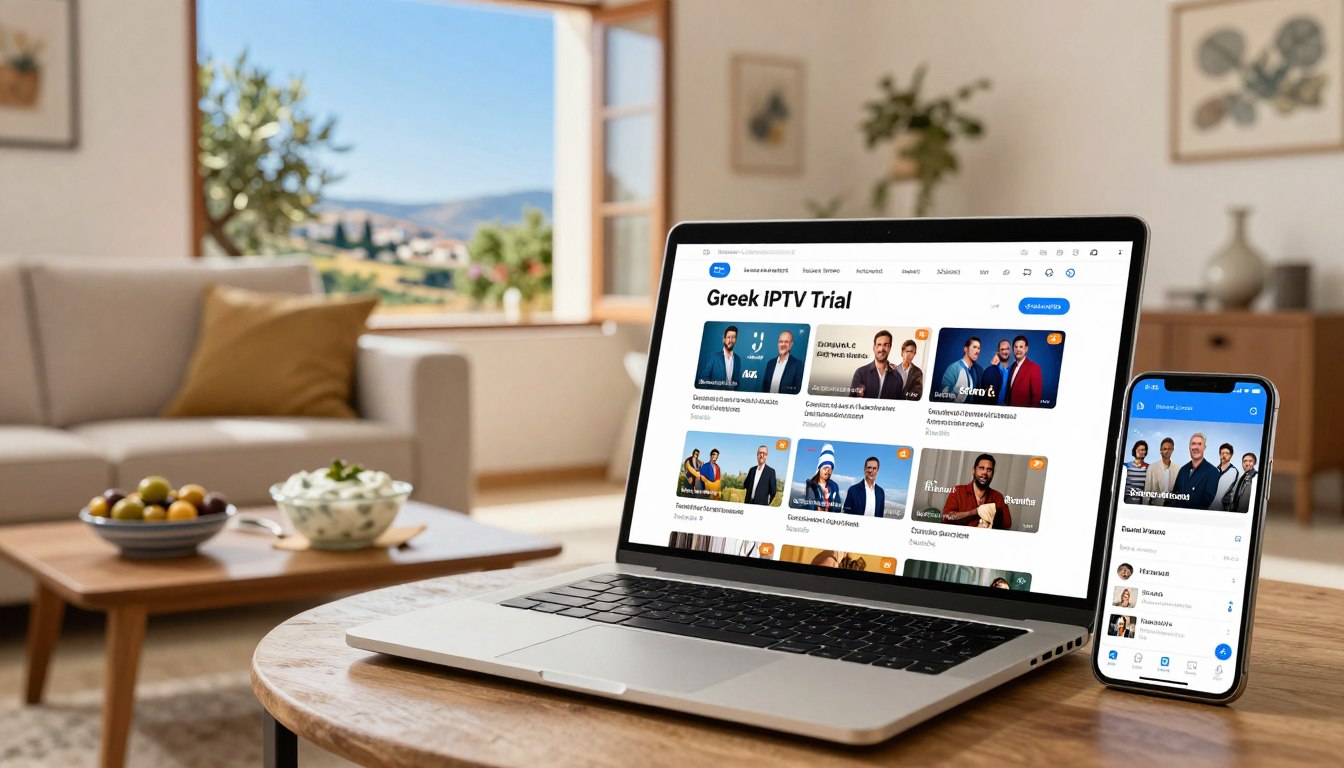
Can a free Greek IPTV trial really replace your satellite or cable box? It shows ANT1, Alpha TV, SKAI, Mega, and ERT in crisp HD.
If you live in Greece or abroad and want to test Greek channels online, a free Greek IPTV trial is the fastest way. It lets you check picture quality, channel lineup, and device compatibility before you pay. Providers offer plans from about €10.99 monthly up to €55.99 yearly. They promise fast servers and world-class support, and deliver credentials by email or WhatsApp within minutes.
During a trial, you can test Greek IPTV on Smart TVs, Android and iOS devices, MAG boxes, and Firestick. You’ll see how apps handle M3U playlists, Xtream-Codes API, and HLS streams. You’ll also check if live sports, VOD libraries, and simultaneous-stream limits meet your needs.

Key Takeaways
- Try a free Greek IPTV trial to preview Greek channels online before committing.
- Trials show real streaming quality for live TV, sports, and VOD libraries.
- Most providers send login credentials by email or WhatsApp within 30 minutes.
- Test compatibility on Smart TV, Android, iOS, MAG, and Firestick devices.
- Watch for one-stream limits, server stability, and support responsiveness.
What is Greek IPTV and how it works
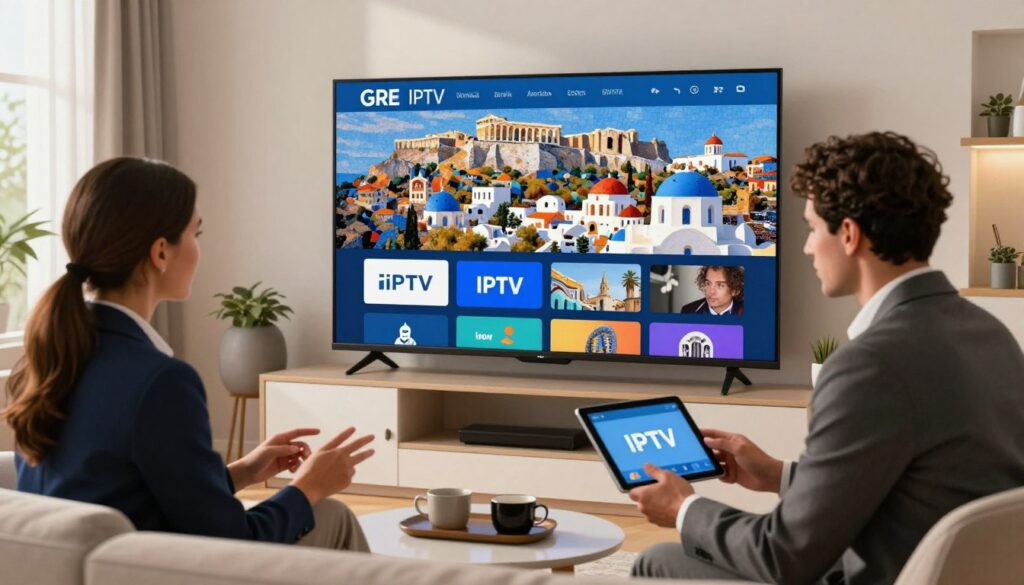
IPTV lets you watch TV over the internet, not through aerials, satellites, or cables. In Greece, it offers local channels, sports, and lots of VOD without needing a big dish or box. With a Greek IPTV Trial, you can try channels and shows on many devices by just entering your login details into an app.
Definition of IPTV and differences from satellite/cable
IPTV sends TV as data over IP networks. Satellite and cable use fixed systems to send signals. IPTV gives you on-demand shows, catch-up, and viewing on many devices. Satellite and cable often stick to scheduled shows and need special hardware.
When comparing IPTV to satellite, think about flexibility and global access. IPTV vs cable is about personalization and using apps to watch.
How internet streaming delivers live Greek channels and VOD
Live channels stream in real-time as data packets. VOD uses segments that adjust to your internet speed. Providers give you login details and a list of channels and shows.
After logging in, the app fetches everything you need. This lets you pause, rewind, or start again when you can. A Greek IPTV trial shows you all these features before you decide to subscribe.
Common technologies and protocols used (M3U, Xtream-Codes API, HLS)
Most services use M3U playlists or Xtream-Codes API for authentication and channel lists. They stream using Apple HLS, MPEG-DASH, RTMP, and RTSP for smooth playback. EPG data is often in XMLTV formats.
Client apps handle decryption, buffering, and adjusting the stream quality. This keeps the video smooth, no matter your network.
| Feature | IPTV | Satellite/Cable |
|---|---|---|
| Delivery method | Internet (IP networks), HTTP streaming, HLS/DASH | Radio frequency, transponders, coaxial distribution |
| Device compatibility | Smart TV apps, Android, iOS, MAG, Firestick, PC/Mac | Dedicated set-top boxes and TVs with tuners |
| Content type | Live channels, large VOD catalogs, catch-up | Scheduled channels, limited on-demand via DVR |
| Setup | Receive credentials, enter into app, start streaming | Hardware installation, dish or cable hookup, activation |
| Scalability | Global access, scales with CDN and servers | Region-limited by infrastructure and licences |
| Typical formats | M3U, Xtream-Codes API, HLS, MPEG-DASH, XMLTV | MPEG-2/4 transport streams, DVB-S/T/C standards |
Greek IPTV Trial
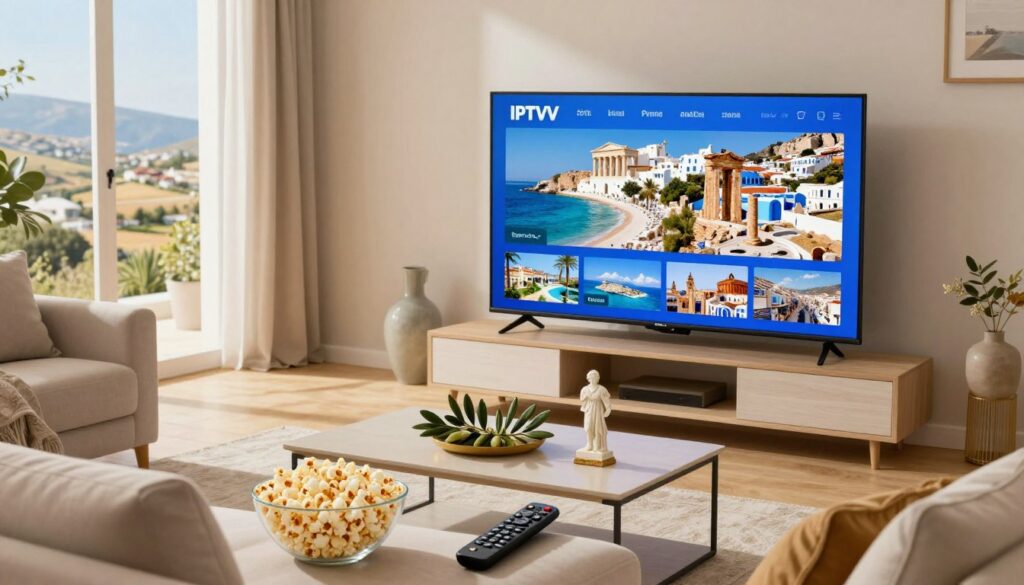
A Greek IPTV Trial lets you try live channels, VOD libraries, and see how devices work before you sign up. Providers send you login details by email or WhatsApp in about 30 minutes. You can then test it on a Smart TV, Android or iOS device, MAG box, Firestick, or a PC browser.
What a trial typically includes
Trials usually offer live channel streaming, movies and series on demand, and full EPG support. You can check playlist formats like M3U, playback features such as subtitles and audio selection, and app functions like favorites and catch‑up. It’s a chance to see if apps remember settings and handle multiple streams well.
How long trials last and what to expect
Free trial Greek IPTV periods usually last from 24 hours to seven days. You can expect quick setup help and access to main features during this time. Test how well it works during busy times for sports and news, check for HD or 4K, and make sure it works for expatriates.
Benefits of testing before you pay
Testing Greek IPTV helps avoid surprises. You can check if channels like ANT1, Alpha TV, and ERT are available, and if you can watch Super League or UEFA matches. It also lets you see how well it works during busy times and if it’s stable. A good trial helps you choose a plan with confidence.
Top Greek channels and content to test during the free trial
Start a Greek IPTV Trial and use the free time to check live channels and on-demand content. Look at channel availability, picture quality, and EPG accuracy. Also, check VOD features like subtitles and audio tracks. These small tests show if a provider really supports the Greek market.
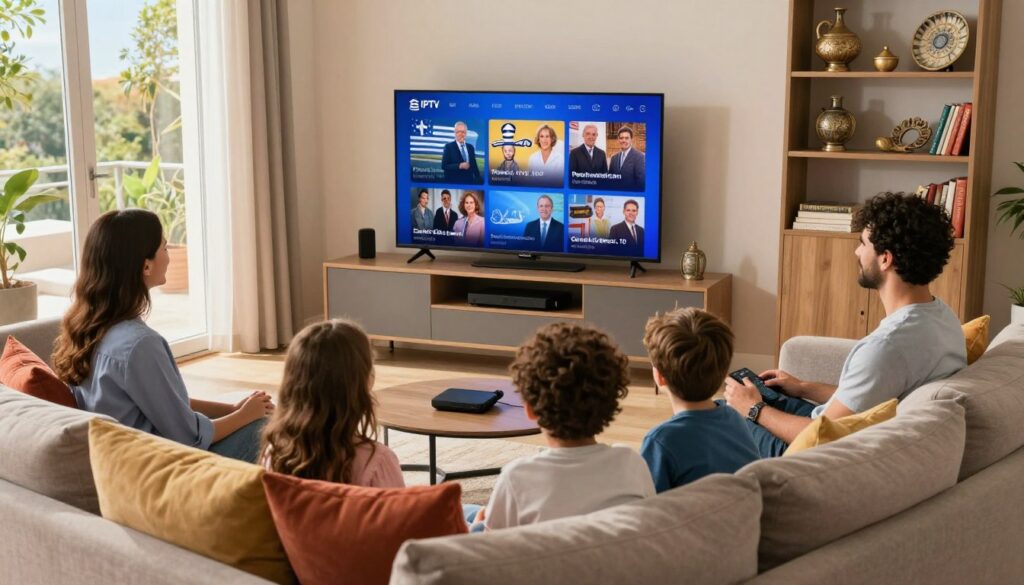
National channels to prioritize:
- ANT1 — verify prime-time shows, news bulletins, and catch-up streams.
- Alpha TV — check series playback and episode navigation.
- SKAI — test news streams and live talk shows for stability.
- Mega — inspect drama and local entertainment schedules.
- ERT — confirm public broadcaster feeds and regional variants.
Sports channels and events:
During a greek iptv trial, make sure Super League Greece matches and UEFA coverage play without long delays. Test dedicated sports feeds for multichannel commentary and HD performance. Look for reliable streams during peak match times.
VOD: movies, series, and kids’ programming:
Explore on-demand catalogs to see if Greek movies and TV series are offered in HD or 4K. Test subtitle selection, audio tracks, and episode resume features. Check children’s sections for clear categorization and parental control options.
Usability checks to run:
- EPG accuracy and catch-up availability for shows on ANT1, Alpha TV, SKAI, Mega, and ERT.
- Playlist management and favorites tools for long-term viewing.
- Device playback on Smart TV, mobile, and set-top boxes to confirm cross-platform support.
How to sign up for a Free Greek IPTV Trial
Trying a greek iptv trial is a quick way to check channel lineups and streaming quality before you buy. The process is simple and works on most devices used in Greece. Below are clear steps and platform tips to help you complete a Greek IPTV Trial sign up with confidence.
- Choose a provider and select the free trial option or short-term plan that lists trial access.
- Provide contact details: an email address and a WhatsApp number speed up delivery of login info.
- Some providers ask for a small payment or verification; PayPal and major cards via secure gateways are commonly accepted.
- Receive credentials by email or WhatsApp. Activation is often promised within 30 minutes.
- If credentials do not arrive, use live chat or the provider’s setup guides to get support.
What devices and apps to use
- Smart TVs: Samsung Tizen and LG webOS run many IPTV apps from the store or via USB installers for compatible apps.
- Android devices and Fire TV/Firestick: Install IPTV apps that accept M3U lists or Xtream-Codes credentials.
- Apple ecosystem: iPhone, iPad, macOS and Apple TV work with apps that often require iOS 16+, macOS 13+, or tvOS 15+ for full features.
- PC and Mac: VLC, Kodi, or native IPTV players accept M3U or Xtream entries for immediate playback.
- Set-top boxes: MAG and Enigma2 boxes use provider credentials entered in box settings or in dedicated apps.
Typical delivery methods and setup support
Providers send login details via email and WhatsApp. The credentials usually include a username, password, and server URL or an M3U playlist link. Enter those into your chosen app under account or playlist settings. Many sellers offer step-by-step tutorials, screenshots, and quick-start videos for Firestick, Smart TV, MAG, and mobile apps.
If you want to know how to get free Greek IPTV trial without delay, pick a provider with clear trial terms, active chat support, and documented activation windows. That approach makes setup faster and reduces downtime during the trial period.
| Step | What to expect | Typical delivery |
|---|---|---|
| Select trial | Pick trial length and device compatibility before ordering | Order confirmation by email |
| Provide contact info | Email and WhatsApp speed up communication | Provider confirms contact via WhatsApp |
| Receive credentials | Username, password, and M3U or Xtream URL arrive | Email and WhatsApp message with login details |
| Install app | Choose app for Smart TV, Android, iOS, Firestick, MAG, PC/Mac | App download links or store names provided in guide |
| Enter details | Input credentials in app settings and test channels | Support available via live chat or tutorial if needed |
Device compatibility and best IPTV apps for testing Greek channels
Choosing the right device makes a greek iptv trial smooth and stress-free. Many providers promise quick activation across Smart TVs, phones, set-top boxes, and streaming sticks. Confirm which apps they support before you start the trial.
The most common Smart TV brands in Greece are Samsung, LG, and Sony. Native apps or popular third-party players like Smart IPTV and IPTV Smarters often work on these sets. Check that the app supports EPG, subtitle selection, and required codecs for HD playback.
For mobile and tablet use, iPhone, iPad, and Android devices handle playlists in M3U and Xtream-Codes API formats. Apps such as Tivimate, IPTV Smarters, and VLC are among the best IPTV apps for on-the-go testing. Look for apps that offer easy playlist import, favorites, and stable decoding for live streams.
Streaming sticks and set-top boxes give flexible playback. Amazon Fire TV and Firestick run many Android-based IPTV players. MAG boxes and Enigma2 receivers remain popular for dedicated setups. Confirm that the provider’s streams match your device’s DRM and codec needs for HD or 4K.
Providers often offer platform-specific setup help by email or chat. When testing, verify simultaneous-stream limits and app update frequency. Smooth setup and cross-device support are key markers of reliable greek iptv trial services.
| Device | Typical Apps | Playlist Support | Strengths |
|---|---|---|---|
| Samsung Smart TV | Smart IPTV, Tivimate (via Android TV boxes) | M3U, Xtream-Codes API | Large screen, native app options, good codec support |
| LG Smart TV | SS IPTV, webOS-compatible players | M3U, XSPF | WebOS stability, good EPG display |
| Sony Smart TV | VLC, Android TV players (on compatible models) | M3U, HLS | Wide format support, Chromecast built-in on some models |
| Android Phone/Tablet | IPTV Smarters, Tivimate, VLC | M3U, Xtream-Codes API, HLS | Fast updates, flexible playback, subtitle support |
| iPhone / iPad / Apple TV | GSE Smart IPTV, IPTV Smarters, VLC | M3U, Xtream-Codes API, HLS | Reliable streaming, AirPlay support |
| Amazon Firestick / Fire TV | IPTV Smarters, Tivimate, Downloader + APK sideload | M3U, Xtream-Codes API, HLS | Compact, affordable, wide app choice |
| MAG Set-top Box | Built-in portal apps, third-party IPTV clients | M3U, Xtream-Codes API | Designed for IPTV, stable live-TV handling |
| Enigma2 Receiver | Enigma2 plugins, custom IPTV clients | M3U, HLS | Advanced tuner features, ideal for multisource setups |
| PC / Mac | VLC, Kodi, native IPTV apps | M3U, Xtream-Codes API, HLS | Great for testing quality, easy logging and troubleshooting |
Streaming quality and performance during your trial
When you try a Greek IPTV trial, checking stream quality is important. Short tests show if the provider offers HD 4K IPTV and steady playback. The outcome depends on server load, app stability, and your home network.
What to expect for HD and 4K streams
Providers often promise HD and 4K streams. You’ll see clear HD on most channels if the provider uses high-bitrate files. The app must support Apple HLS or MPEG-DASH. For 4K, the provider must offer 4K feeds, and your device and connection must meet the requirements.
How internet speed and server stability affect playback
Stable broadband is crucial for good performance. You’ll need at least 25 Mbps for HD and 50 Mbps or more for 4K. Server stability and routing from the provider to Greece affect buffering and latency.
Some users see smooth playback after app updates. Others still face intermittent failures when servers are congested.
Tips to optimize IPTV streaming
Use wired Ethernet instead of Wi-Fi to reduce packet loss. Set your router’s QoS to prioritize streaming traffic. Close background apps that use bandwidth before testing a Greek IPTV trial.
Within apps, increase buffer size or enable hardware acceleration for smoother playback. Check subtitle and audio settings if delays appear during playback. Test the same channel at different times to gauge server load and confirm HD 4K IPTV performance.
If you plan to optimize IPTV streaming across multiple devices, note common simultaneous-stream limits. One active stream per subscription can make multiroom tests misleading. For accurate assessment, test one device at a time and record results for comparison.
What to look for in a provider during the trial (channels, price, support)
Start a trial with clear goals. Test the availability of key Greek channels and the stream quality. Also, see how fast the support team responds. Keep notes on what works and what doesn’t to compare providers easily.
Comprehensive channel lists and international coverage
Make sure the provider offers Greek channels like ANT1, Alpha, SKAI, Mega, and ERT. Check if they have sports feeds for Super League matches. Also, look for a large VOD catalog for movies and series.
App features and device compatibility
Check the app’s changelog and reviews for updates. Make sure your device, like a Smart TV or Firestick, is supported. Some apps may have in-app purchases that don’t include streams; confirm the trial gives you real channel access.
Pricing examples and value comparisons
Compare short-term plans for flexibility with long-term plans for savings. Monthly plans are more expensive but let you switch providers easily. Longer plans are cheaper per month, like an annual plan for €55, which is less than a €11.99 monthly plan.
| Plan | Duration | Price Range | Key Benefit |
|---|---|---|---|
| Bronze | 1 month | €10.99–€14.99 | Best for short tests and flexibility |
| Silver | 3 months | €19.99–€24.99 | Lower short-term cost per month |
| Gold | 6 months | €33.99–€44.99 | Balanced value and commitment |
| Platinum | 12 months | €55.99–€65.99 (example €55/year) | Best long-term savings |
Customer support quality
Test the provider’s response during the trial. Look for clear tutorials and fast contact via WhatsApp, email, or live chat. Quick activation and easy setup make trials smooth.
Checklist for a productive trial
- Confirm listed Greek channels and test sample streams.
- Verify HD or 4K availability where promised.
- Try simultaneous streams on multiple devices.
- Note activation speed and quality of support replies.
- Compare greek iptv trial pricing against channel and VOD offerings.
Use these checks to refine your Greek IPTV Trial provider selection. A clear trial will show if a service is the best for you based on features, price, and support.
Security, legality, and safe payment practices for IPTV trials
Before starting a Greek IPTV trial, check the provider’s transparency and payment methods. IPTV is legal if it uses licensed content. The legality of channels depends on the provider’s rights, not the app used.
Understand provider licensing
Ask for a clear list of channels and proof of licensing. Reputable vendors like ERT or established broadcasters are more likely to be legal. If a seller can’t show their licensing, the service is risky.
Choose secure payment methods
Use known processors for secure payments. PayPal and major cards through Sellix add protection. Look for providers with no automatic renewals and who contact you before ending a subscription.
Protect your privacy
Share only necessary personal data during sign-up. Check the app and content provider’s data handling. Many apps just play streams, so the legal and privacy risks are with the channel source.
Spot red flags
- Unclear channel provenance or anonymous sellers.
- Requests to send payment via unsafe methods like bank transfer or unsecured messaging.
- No visible refund, cancellation policy, or customer support contact.
When things go wrong
Keep receipts and screenshots of purchase confirmations. Open disputes through PayPal or your card issuer if the provider fails to deliver. Read reviews from other Greek viewers before upgrading from a free trial to a paid plan.
Common trial issues and how to troubleshoot them
Trials can run into problems that stop you from watching Greek channels. This guide will help you quickly check and fix common issues. This way, your greek iptv trial will work without a hitch.
Login and activation
You should get your login details via email or WhatsApp within 30 minutes. If you don’t see them, check your spam folder. Then, reopen the app and enter your details again, carefully.
To solve IPTV login problems, try copying and pasting your username and password. This helps avoid typos. If you still can’t activate, use the provider’s live chat or email. Make sure to include your order ID.
App and playlist errors
Old app versions might cause playlist parsing errors or codec issues. Always update your apps from official stores on Android, iOS, or Fire TV. Make sure the playlist format matches the app’s requirements.
If a stream shows a black screen, try switching channels or restarting the app. Testing another device can also help find the problem.
Buffering, black screens, and stream limits
Buffering can be due to slow internet, server overload, or device limits. Try using a wired Ethernet connection. Lowering the playback quality and closing background apps can also help.
Many providers only allow one stream per trial. Opening the same account on multiple devices can cause black screens. If you think this is the issue, close other sessions or ask support to check your devices.
Step-by-step quick fixes
- Restart the app and device.
- Re-enter credentials to fix IPTV login issues.
- Switch to wired connection to reduce buffering.
- Update or reinstall the IPTV app to resolve parsing errors.
- Try a different device to rule out hardware codec issues.
When to contact support
If simple fixes don’t work, it’s time to contact support. Use WhatsApp, live chat, or email. Include your account name, order ID, app logs, and screenshots.
Clear and detailed information helps support teams solve your Greek IPTV Trial troubleshooting quickly. This keeps your greek iptv trial running smoothly.
Real user expectations and testimonials to consider during a trial
When starting a greek iptv trial, expect a fast setup and basic channel checks. Live sports testing for a few hours is also common. Providers with 15,000+ customers often share positive comments about quick activation and setup help.
Installation speed is a key topic in trial feedback. Many users say their accounts are ready in 30 minutes, with step-by-step support. This quick start lets you check streaming quality on various devices without waiting.
Streaming quality gets both praise and criticism. Some reviews highlight smooth HD playback and stable streams for news and sports. Others mention occasional buffering or app crashes. Look for patterns in user testimonials Greek IPTV.
Customer service is crucial during a trial. Helpful support that offers setup files and troubleshooting is often praised. However, slow replies or billing issues are common complaints in Greek IPTV Trial reviews.
Compare the positives and negatives by looking for trends. Frequent app updates and many recent five-star reviews suggest active maintenance. But, reports of channel gaps, frequent freezes, or non-delivery should raise caution. Use the trial to see if it matches your experience.
Consider the trial results when choosing a plan length. If the trial shows reliable HD streaming and fast support, annual plans can save money. But, if channels are missing or buffering is common, opt for a short-term plan to try other providers.
When reading Greek IPTV Trial reviews, check the dates, device types, and region. This context helps you apply user testimonials Greek IPTV to your own setup in Greece. Remember, trials prove the basics, not every edge case.
Conclusion
Trying a Greek IPTV Trial is a smart move. It lets you check out channels, streaming quality, and how well it works with your devices. Providers offer lots of channels, a big library of VOD, and prices from €10.99 a month to €55.99 a year.
When you try Greek IPTV, you can see live channels, sports, and movies and series on demand. This is a great chance to see what you’ll get before you pay.
During a free trial, make sure to test the apps. They should work with M3U or Xtream and modern streaming protocols. Update your apps on Smart TVs, Android, iOS, or set-top boxes.
Check if everything works smoothly on your devices. Good apps and stable networks mean less buffering. This shows the provider’s true performance.
Finally, use what you learn from the trial to decide if it’s worth it. Check if the provider is licensed and if payments are secure. Also, see how customer support responds and if the sports and VOD streams meet your expectations.
A good trial helps viewers in Greece and Greek expats make informed choices. They can pick between short-term and yearly plans with confidence.